
Bring Your Own Controller — How One Crazy Tournament Changed RGB
Sometimes the best upgrades come from the worst headaches.
When we first opened Retro Gaming Bar, every gaming table came with its own controllers, neatly installed and ready to use. The idea was simple: sit down, choose a game, and start playing. No cables to worry about, no complicated setup, and everything working exactly as intended.
Or so I thought.
As our collection of games and controllers grew, I started introducing specialized controllers that felt closer to the original hardware. We had Sega Mega Drive-style controllers for those classic six-button fighting games and SNES-style controllers for Nintendo fans. The problem was that each controller was configured specifically for the table where it was installed. Everything worked beautifully — until somebody wanted to use a controller at a different table. Suddenly, something as simple as switching seats became a technical problem. And I knew that sooner or later, we'd have to do something about it.
The Tournament That Changed Everything
The turning point came during our first Ultimate Mortal Kombat 3 tournament. We were expecting a busy evening, but the response was beyond anything we'd imagined. Twenty-seven competitors signed up, and the rest of the bar was packed with spectators. It was exactly the kind of tournament atmosphere I'd dreamed of creating when opening RGB. There was just one small problem. One of our tournament tables had developed an issue with its hardwired controller setup. With players arriving and the competition about to begin, we were scrambling to get everything working. We managed to fix it just in time, but it was a stressful reminder of how fragile our setup could be. Standing there, looking at a bar full of people waiting to play, I realized something had to change. We couldn't keep relying on complicated fixes whenever a controller stopped working, especially with tournaments becoming an increasingly important part of RGB. That night, I made up my mind: the controllers had to become interchangeable.
Easier Said Than Done
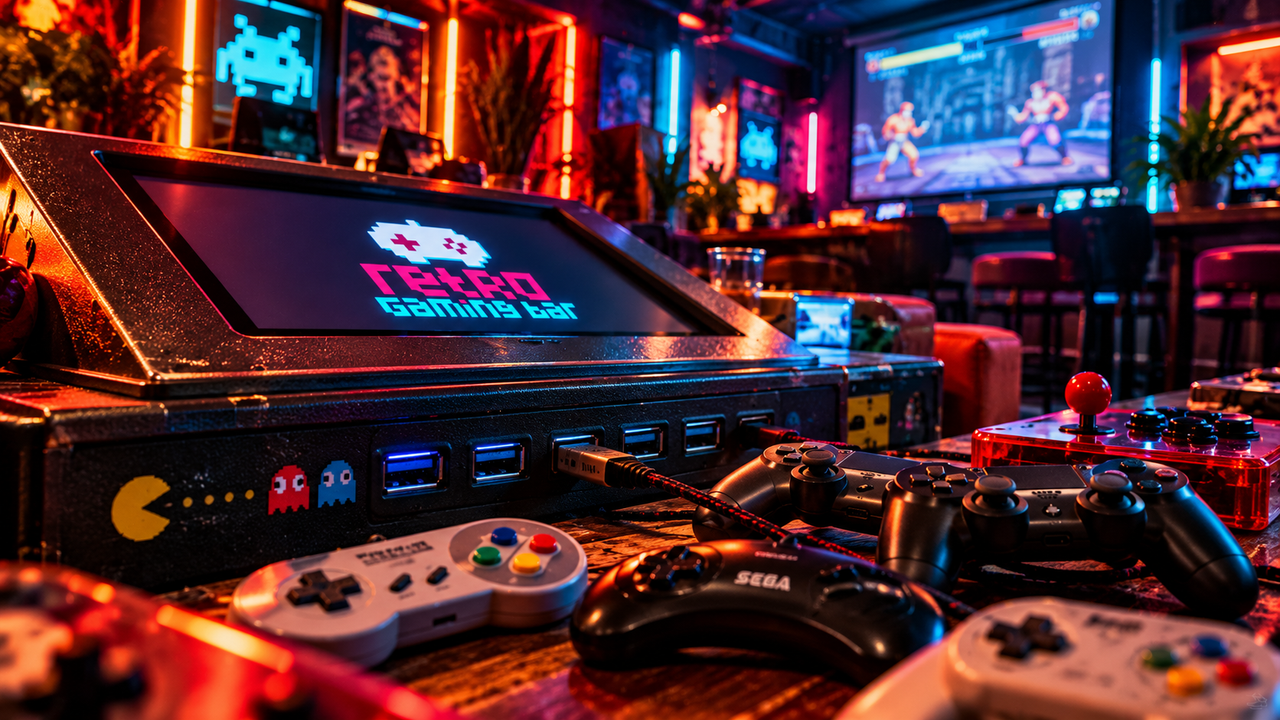
The first step was getting the USB connections out of the tables. Until then, the controllers had been wired internally. I wanted customers to be able to unplug one controller and connect another without opening anything or asking us to dismantle the furniture. That sounds easy enough, but finding suitable USB extensions, figuring out where to position them, and securing them properly to the tables turned into a project of its own. Eventually, we had accessible USB ports on the outside of our gaming tables. Problem solved, right?
Not quite.
The first time I tried swapping a SNES-style controller with a Mega Drive-style one, it didn't work. Of course it didn't. The physical connections were finally flexible, but the software still expected particular controllers on particular tables. I'd solved half the problem and uncovered a much bigger one. One Controller. Every Table. What followed was a major overhaul of how our gaming tables handled controllers. Rather than maintaining individual configurations for different tables, I wanted a system where every supported controller would work anywhere in the bar. Plug it in, let the table recognize it, and start playing with the correct button layout. Getting there meant rethinking controller detection, button mapping, and compatibility across our different gaming platforms. It took plenty of testing, configuration changes, and the occasional moment of wondering why I'd started the whole thing.
But eventually, it worked.
For the first time, a controller only needed to be configured once to work across all our gaming tables. That single improvement changed everything. If a controller developed a fault, we could replace it in seconds. If somebody preferred a different controller, swapping was no longer a technical adventure. And if we wanted to introduce new controllers, we had a proper system ready to support them. Best of all, this opened the door to something I'd wanted to offer our players for a long time.
BYOC — Bring Your Own Controller
Why should we decide which controller feels best in your hands? Some players grew up with Sega's six-button layout. Others swear by the SNES controller. Fighting game enthusiasts might prefer their own gamepads or arcade sticks, carefully chosen and familiar from hundreds of hours of practice. With our new setup, we could finally give players that freedom. Today, Bring Your Own Controller (BYOC) allows customers to use their personal compatible controllers at Retro Gaming Bar. Once we've checked and configured a controller, it can be recognized across our gaming tables, giving you the freedom to play with the equipment you know best. We also built security into the system, using a list of approved devices rather than allowing anything connected through USB to access our tables. For tournament participants, this was particularly important. A familiar controller can make all the difference when every button press counts. Now, instead of forcing everyone to adapt to our setup, we can accommodate a growing range of controllers and personal preferences. All it takes is arranging the initial setup with us in advance.
Built Out of Necessity. Shared With Everyone.
Looking back, it's funny how much work grew out of what initially seemed like a simple controller problem. All I wanted was to avoid another frantic repair minutes before a tournament. Instead, we ended up redesigning one of the most fundamental parts of our gaming experience. That's something I've come to appreciate about building Retro Gaming Bar. Many of our best improvements haven't started as grand plans. They've come from real situations, customer requests, unexpected problems, and a stubborn determination to make things work better. BYOC is a perfect example. What began as an operational headache became a feature that gives our players more choice, makes tournaments easier to organize, and keeps our gaming tables ready for whatever comes next. And if there's one lesson I've learned from that unforgettable Mortal Kombat tournament, it's this:
Twenty-seven players waiting for a game is a pretty powerful motivation to rethink your setup.
Have a favorite controller you'd like to bring to RGB? Get in touch with us before your visit our tournament so we can check compatibility and arrange the setup.
Reservations
Gaming tables & visits
Every day, 18:00–00:00
Events
Parties, quizzes & corporate
Keep Exploring
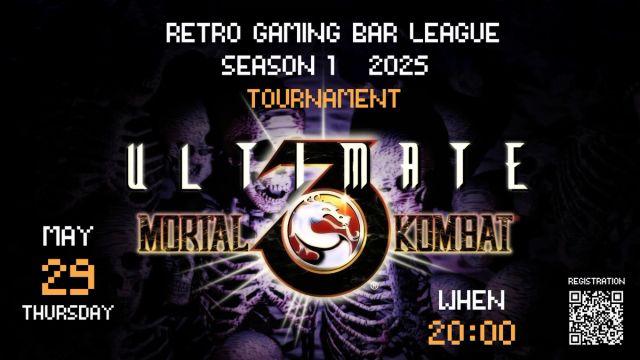
RGB League 2025 - Ultimate Mortal Kombat 3: Two Minutes from Disaster
Tournament #3 — May 29, 2025 | Ultimate Mortal Kombat 3 (Sega Mega Drive)
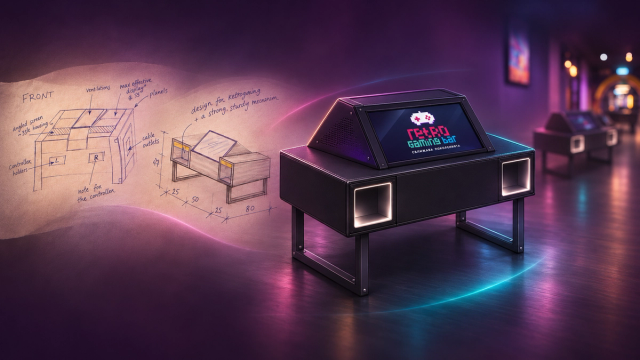
From a Napkin Sketch to the Heart of Retro Gaming Bar
The story of how a simple idea became eleven custom-built gaming tables, and why I apparently couldn't just buy some furniture like a normal person.
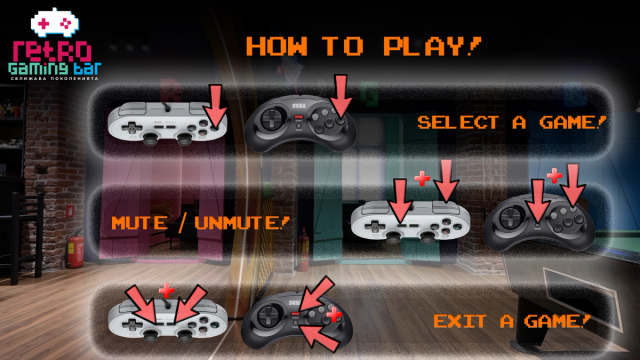
How to Play
Hundreds of games. Ten gaming tables. One simple rule: pick a game and have fun!