
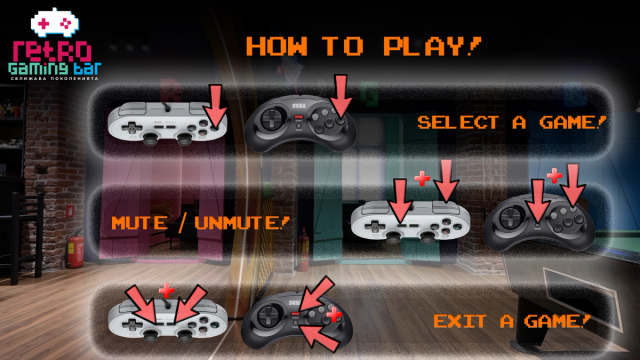
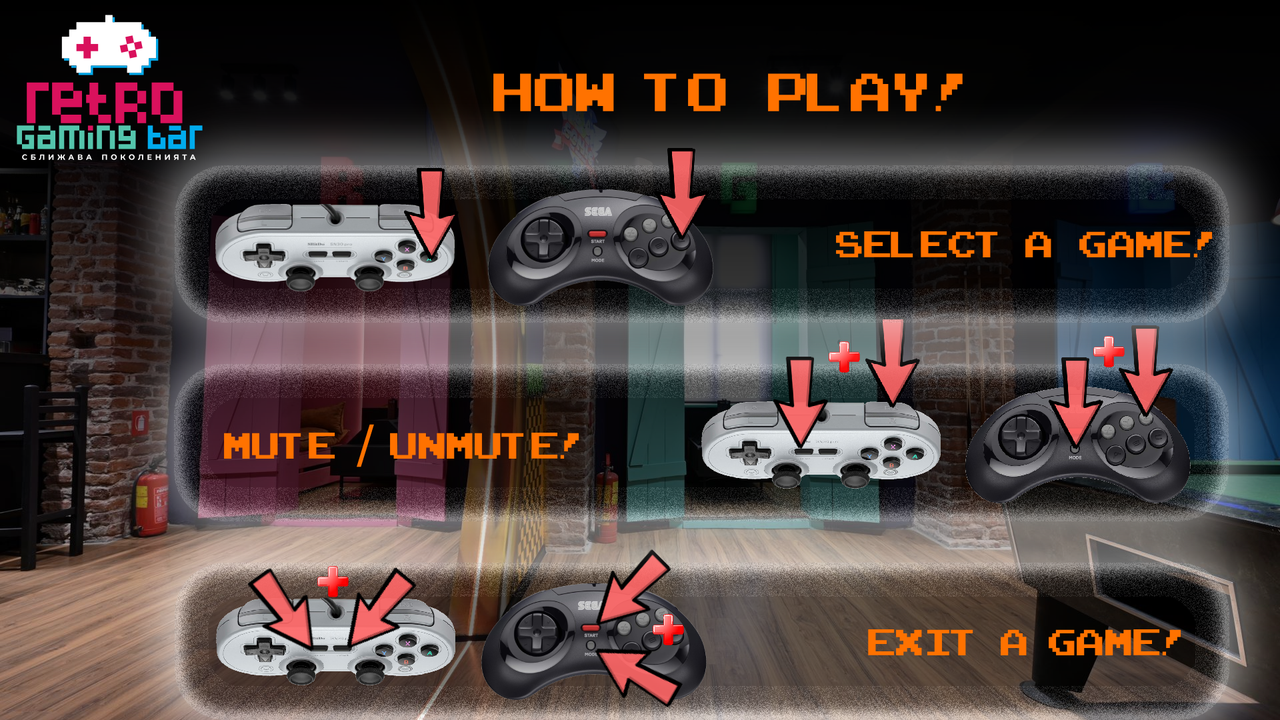
How to Play
Hundreds of games. Ten gaming tables. One simple rule: pick a game and have fun!
Whether you're revisiting an old favorite or discovering retro gaming for the first time, getting started at Retro Gaming Bar is easy.
Ready, Player One?
- Choose your console and game using the controller's D-pad.
- Press A to launch your selected game. Or C on megadrive controller
- Start playing! Challenge your friends, discover a classic, or see if you can finally beat that level from your childhood.
- Ready for something else? Press Select + Start / Mode + Start to exit your current game and return to the game selection menu.
Controller Shortcuts
Want to save your progress, restart a level, or adjust the volume? We've got you covered.
- Buttons: D-padAction: Navigate consoles and games
- Buttons: AAction: Launch a game
- Buttons: Select + StartAction: Exit the current game
- Buttons: Select + R1Action: Save your progress
- Buttons: Select + L1Action: Load a saved game
- Buttons: Select + D-pad Left / RightAction: Change save slot
- Buttons: Select + YAction: Pause / Resume
- Buttons: Select + BAction: Restart the game
- Buttons: Select + R2Action: Mute / Unmute table audio
- Buttons: Select + L2Action: Remove Scanlines
- Buttons: Select + D-pad Up / DownAction: Volume Up / Down
Important: Only Player 1 can use the global shortcuts listed above. Hold Select and press the corresponding button.
Why Is My Game Unavailable?
At Retro Gaming Bar, we believe in respecting the original games and the people who created them. Our collection consists of authentic, legally acquired video games, and our gaming system limits simultaneous sessions of the same title according to the number of original copies we own. If a game is already being played at another table, it may temporarily be unavailable. No worries! You can wait for the other players to finish or explore another title from our collection.
Here's a little trick: Some classics are available on multiple consoles or through different compilations. For example, if Super Mario Bros. on the NES is currently unavailable, you might still be able to play its version in Super Mario All-Stars on the SNES.
Need a Hand?
Don't worry if something doesn't work as expected or you're unfamiliar with the controllers. Just ask our staff at the bar! We're always happy to help you get back into the game.
Pick a game. Grab a controller. Let the nostalgia begin!
Keep Exploring
Top Rated Games
Find your next favourite: the highest-rated games in the RGB collection, from timeless classics to hidden gems.
Top 100 Games
The most-played games at Retro Gaming Bar, ranked by real gameplay data.
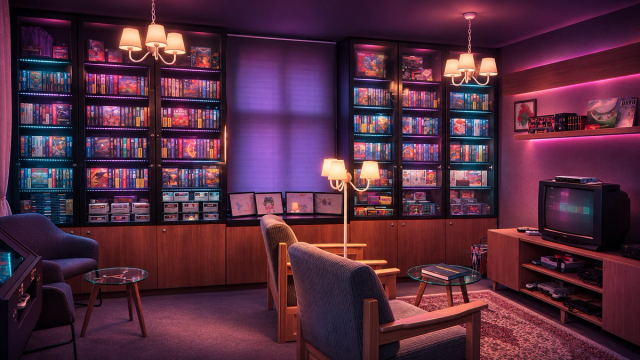
RGB Collection
Explore the RGB Collection — over 600 authentic, carefully collected games over more than two decades. These gaming treasures bring the golden age of video games back to life, ready to be discovered, celebrated, and shared with a new generation.